Chapter 8
Deployment
· Published by Osentio
On the Deploy tab you choose how to put the AI agent in front of your customers. The four methods can be used together.
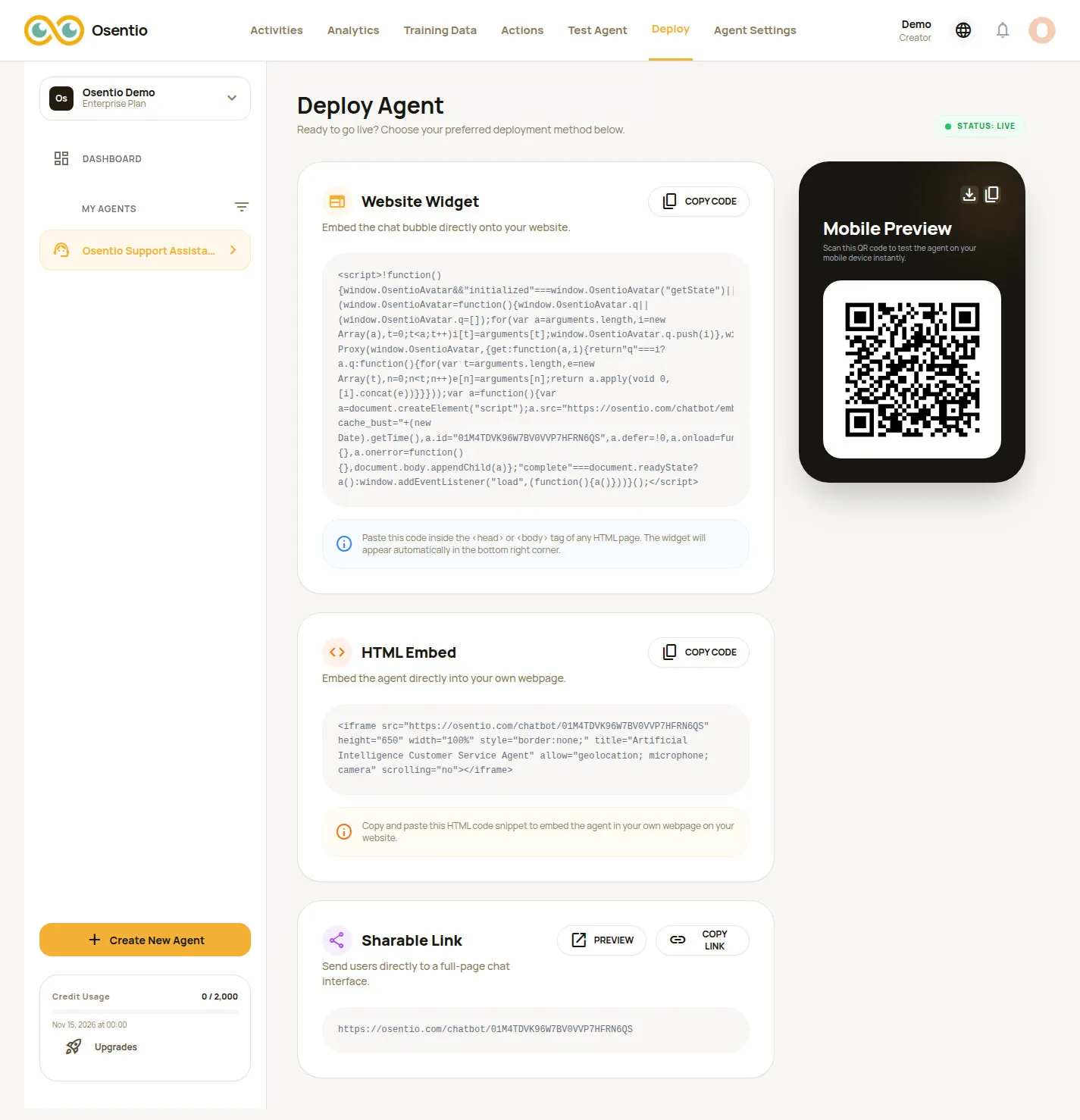
| Method | How | Good for |
|---|---|---|
| Website Widget | Click Copy Code and paste it inside the <head> or <body> tag of your pages. A chat button appears at the bottom right. | Support on every page of your site |
| HTML Embed | Click Copy Code and paste it where the chat window should appear on a page. | A dedicated support or FAQ page |
| Sharable Link | Click Copy Link and share it in social posts, newsletters or on business cards. Preview opens it first. | No website, or direct sharing |
| QR code | Download or copy the QR code under Mobile Preview and print it on a stand, menu or flyer. | Physical stores |
TipIf you are not familiar with web page code, send the copied code to whoever maintains your website and ask them to paste it in.
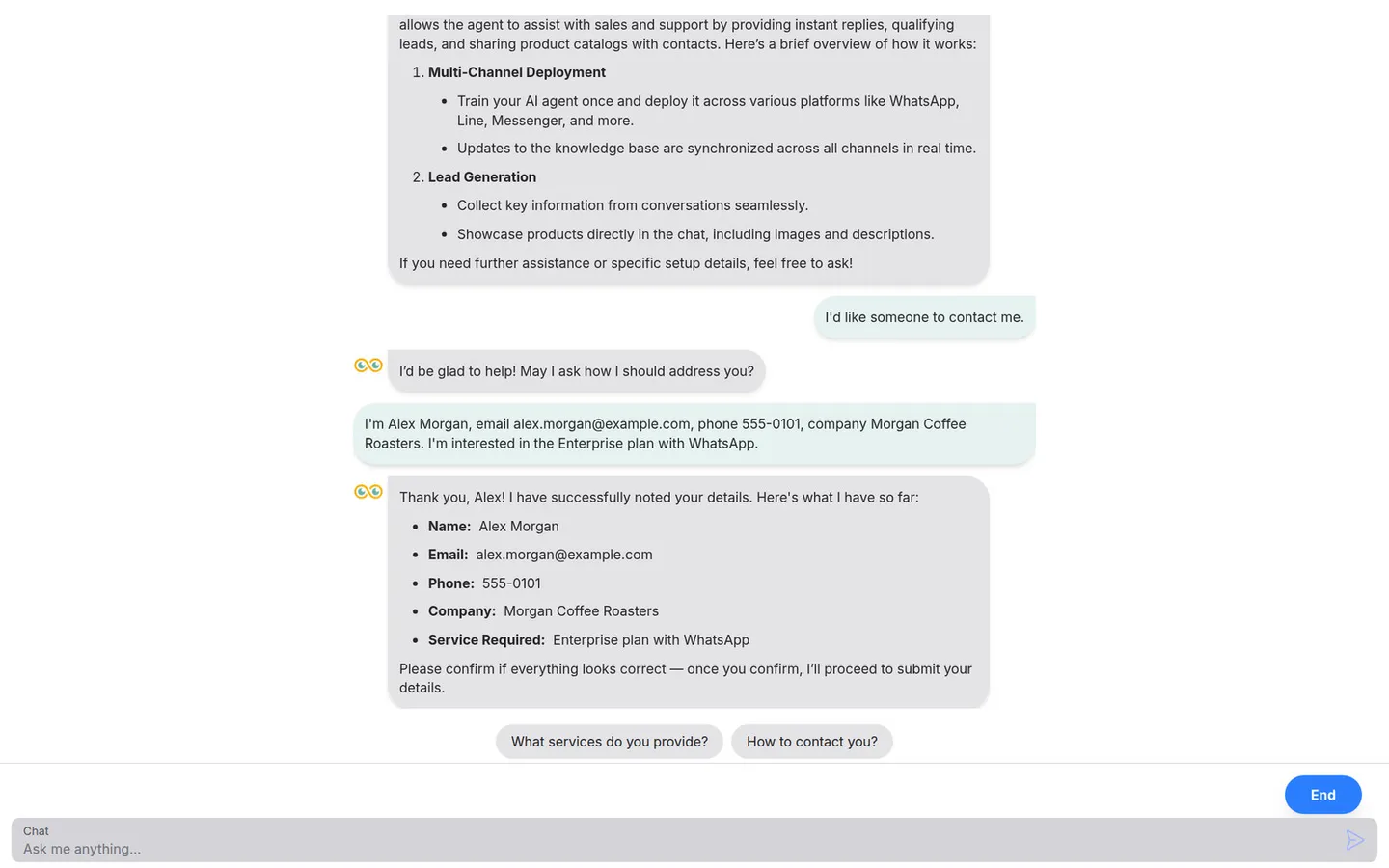
What customers see